
Invitation Card Maker or Digital Invite? Choosing Your Format
Choose between an editable card and a linked digital invitation by looking at delivery, updates and guest access.
· 4 min read
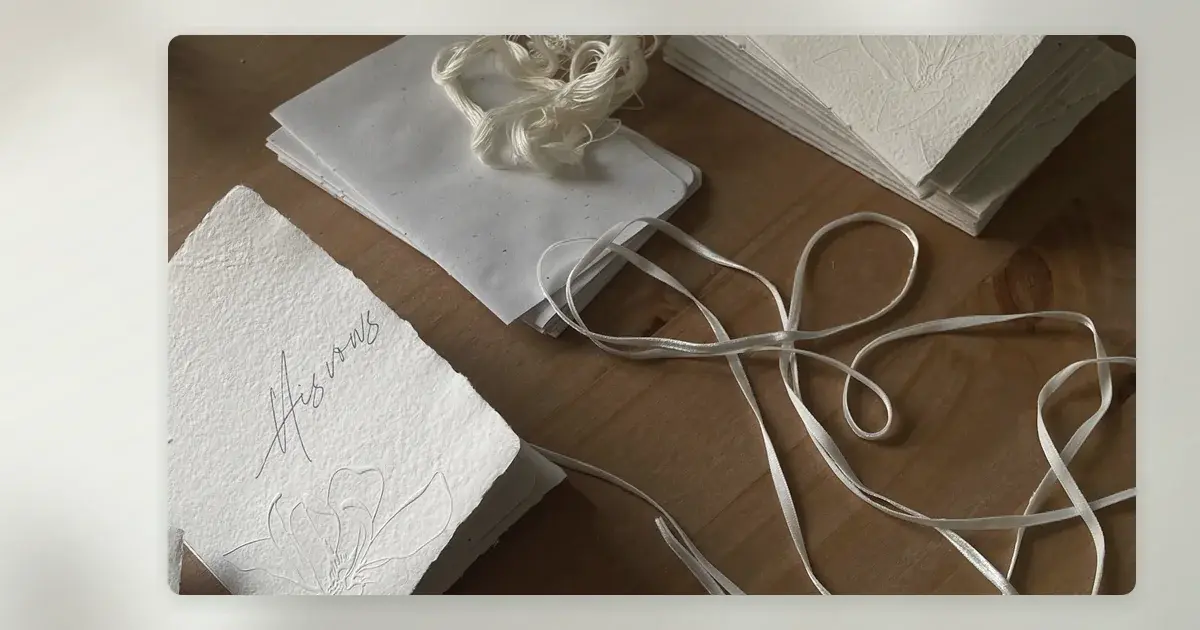
A card maker and a digital invitation can look similar on a screen, but they solve different problems. A card maker usually gives you artwork to print or share as a file. A digital invite may live at a link with room for changing details and a route to reply. Before comparing templates, decide what must happen after a guest receives the design. Can they find the venue, understand who is invited and respond without asking you for help?
Choose the output, not just the editing screen
A printable card is a strong option when you want something physical to post, hand over or keep. Check the trim size, bleed, resolution and whether the printer accepts the exported file. Print one proof; screen colours and tiny type can behave differently on paper. If you will share an image by message, test whether it remains legible in a small chat preview. A PDF can preserve a clean layout but may ask mobile guests to download and pinch to zoom.
A linked digital invitation has different advantages: you can direct guests to up-to-date event information and, where the service genuinely offers it, a response route. But a link can expire, require a login or be awkward for guests with limited connectivity. Check those conditions before sending. Do not assume that a card export contains a functioning RSVP simply because the editor includes a button-shaped graphic.
When a hybrid works best
A printed card with a short, typed URL can be a useful compromise. It gives guests the essential information offline and directs them to current travel details. A QR code is a convenience, not the only access method: include the readable URL as well. For guests who prefer phone calls, add a contact route. If the event is soon, do not make delivery depend on a physical card arriving before anyone can reply.
Build a small information architecture
Separate the invitation's decision-making information from the supporting details. The card or first screen should state the occasion, names, full date, arrival time, venue and response deadline. A linked page can then hold a schedule, travel and parking notes, accessibility information, accommodation suggestions and a short FAQ. If the ceremony and reception are in different places, show both names and addresses clearly. Distinguish a confirmed shuttle from a possibility under discussion. Guests should never have to infer whether a plus-one or children are included.
Keep wording consistent across formats
Write one source version of the details and copy it into each format. 'Please arrive at 2.30 pm for a 3.00 pm ceremony' is clearer than an unexplained '3 pm'. If a later digital update changes a time, inform guests directly as well; the printed card cannot update itself. Check the date against the day of the week, spell out the month and include the year. A second person should proof the address and reply deadline before distribution.
Plan the reply before designing the footer
Select one primary response method and make it easy to use. For a small dinner, a text reply may be enough. For a wedding with multiple events or dietary requirements, a structured form may reduce follow-up, provided it has been tested and you can handle guest information responsibly. State whether each named guest replies individually or one person responds for a household. Ask for dietary requirements only when needed and provide an alternative for someone unable to use the form.
Sample card line: 'Please reply by 4 April at the address printed below, or phone us if you would rather respond directly.'
If your priority is the editing workflow rather than paper output, this online invitation maker checklist covers mobile previews, exports and guest-facing tests. Use the online invitation maker checklist
Make the format decision with a real test
Draft the same invitation as a card and as a linked page. Send both to two people who did not help plan the event. Ask each to locate the start time, venue, reply deadline and access information. Their questions reveal whether the design or delivery method is doing its job. Compare total work too: printing and postage, file distribution, corrections, keeping links active and managing replies. The best-looking option is not always the easiest to maintain.
For a wedding, compare the broader digital-versus-print experience, including how guests receive updates and what you want to keep as a memento. Read the digital versus printed wedding invitations guide
Ahmy is prelaunch: its invitation maker, sending, RSVP collection, pricing and checkout are not live. Explore the wedding invitation direction for ideas, but choose a working card-making, printing and reply process for an event you are organising now. Explore Ahmy wedding invitations