
Birthday Invitation Maker Checklist for a Better Invite
A practical way to assess editing controls, export quality and guest clarity before choosing a birthday invitation maker.
· 4 min read
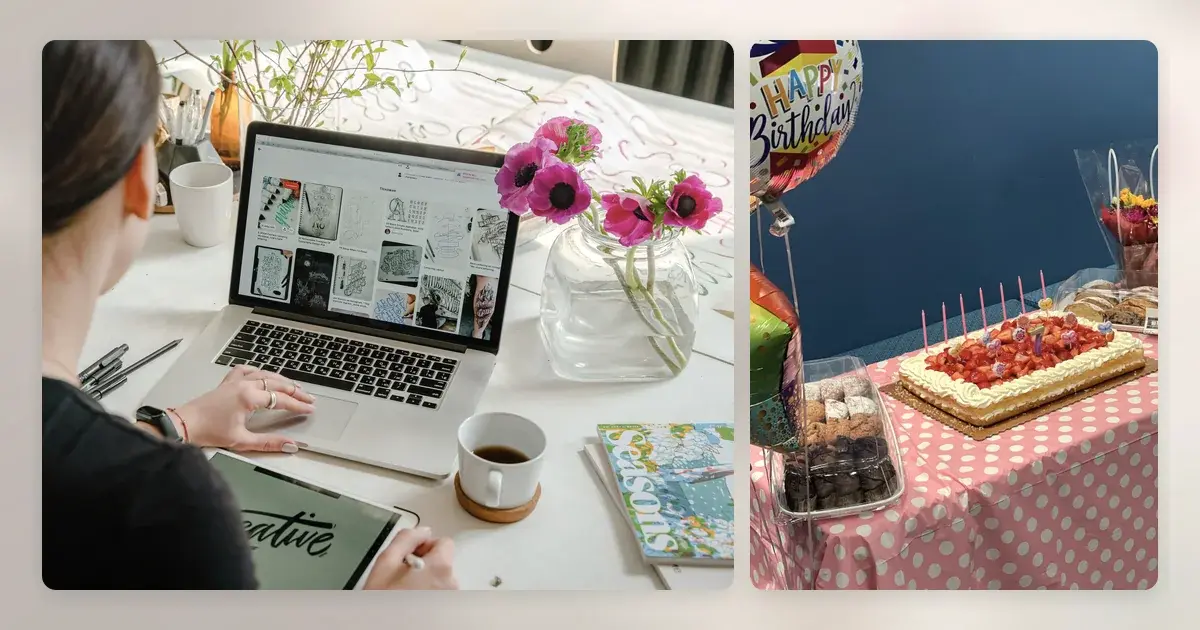
A birthday invitation maker should help you produce a clear invitation, not make the party harder to organise. The useful test is what you can edit, what you can export and whether guests can understand the result. Do this check with the real details of your event rather than a sample card: a long restaurant name and a short reply deadline reveal issues that polished previews hide.
Begin with your event brief
Write down the occasion, date, start and finish times, venue, host contact and reply deadline. Add only details guests need to act on: for a kids' party, whether a parent stays; for a dinner, whether guests pay for their own meal; for an outdoor gathering, what happens if it rains. Decide how replies will reach you before selecting a tool. An invitation graphic does not by itself provide an RSVP system.
Use the following as a trial run:
- Paste in the longest guest-facing wording you expect to use
- Add the full street address, suburb and postcode
- Test the invitation at phone size, not only in the editing canvas
- Export or share a draft through the channel you plan to use
- Have a second person identify the date, place and reply action
Inspect editing controls
Can you adjust font size and spacing when the venue line wraps? Can you move an illustration so it does not overlap the reply instruction? Check how a photo crops in the final version and whether you can remove decorative elements. A tool with fewer but reliable controls may be better than one with many effects that make the essential text harder to read. For a surprise 40th, the ability to emphasise “arrive by 6 pm” is more valuable than an animated background.
If the editing controls are sound but the layout feels wrong, compare styles in the birthday invitation template guide.
Check output and sharing conditions
Look at the actual file or shared page on another device. Check image quality, text legibility, download format and whether any watermark appears. If you need to print a few cards for relatives, confirm the dimensions and resolution support that separate use; don't assume a screen-sized image will print sharply. If sending via messaging, write a short accompanying message with the core date and venue so recipients can search their chat later.
Ask about limits before paying
If a service charges, read what the price covers: one export, future edits, premium artwork or a recurring subscription are different things. Check whether you can correct a typo after creating the first file and whether you can access the output later. These are comparison questions, not a claim about Ahmy's current features or prices. Keep a copy of your final wording outside the editor in case you need to resend it.
Separate design from reply management
Some hosts prefer replies by text; others use an email address or a separate form. Whatever you choose, put one clear instruction on the invitation and maintain your own guest list. For a 25-person backyard party in Brisbane, a spreadsheet with invited, attending, declined and food notes may be enough. Avoid putting a guest list in an open group chat if the event is a surprise or if guests have not agreed to share their numbers.
For the same evaluation questions across different celebrations, see our online invitation maker checklist.
Run a final guest test
Send a draft to someone who does not know the plan. Ask them where they would arrive, at what time and how they would answer. On an invitation for a two-hour children's party, the finish time and pickup plan should be explicit. For a restaurant booking, ask whether the meal arrangement is obvious. Fix ambiguous wording in the source text, then export again and review the new version rather than assuming the change carried through.
If you later change the venue, contact guests directly with the new address and date rather than relying on a silent edit. Keep the previous version out of circulation where you can. A maker is useful only when the final invitation survives the ordinary ways people read, share and revisit it.
For wording ideas once your tool choice is settled, see the event invitations articles.